
Let me be honest with you.
When AI video generators first started showing up online, the results were rough. Characters with melting faces. Physics that looked like a fever dream. People walking like they were floating two inches above the ground.
That has changed fast. A handful of tools have made real, documented progress on the problems that actually matter: motion consistency, facial identity, lighting accuracy, and physics simulation.
The result is that the gap between AI-generated video and professionally shot footage is closing faster than most marketers realize.
This guide compares ten of the most talked-about AI video generators using verified pricing, documented technical capabilities, and real G2 ratings, so you can see exactly where each one is strongest and where it still falls short.
Here’s how to make sense of it, and which tool comes out ahead.
What Is an AI Video Generator?
An AI video generator uses machine learning models trained on large video datasets to turn a text prompt, image, or short clip into a new video. The strongest tools now simulate motion, lighting, and physics closely enough that the output can be hard to distinguish from footage shot on camera, though every tool still has specific scenarios where the illusion breaks down.
What “Realistic” Actually Means?
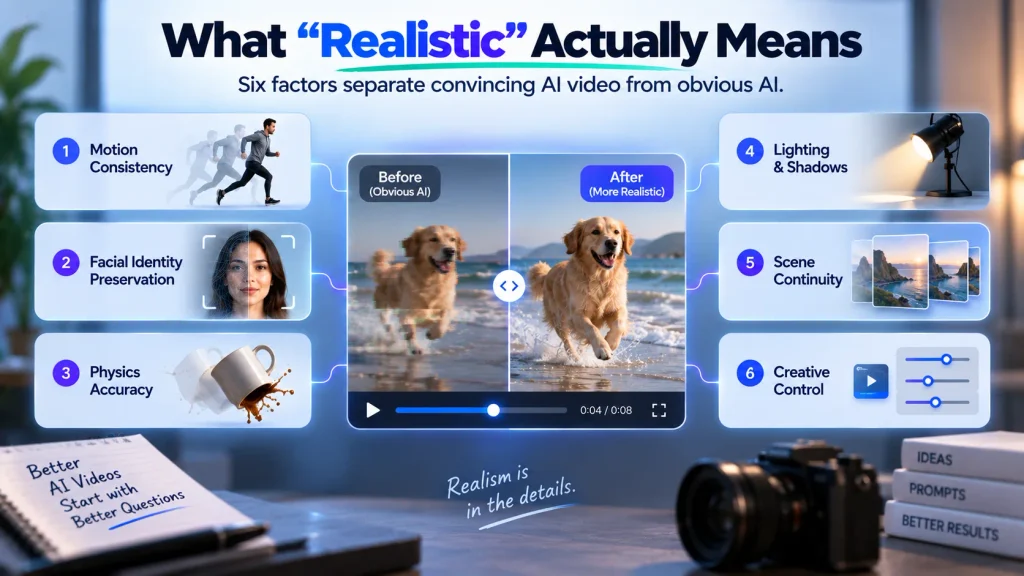
Before the list, one thing needs to be clear: realism in AI video is not one thing. It is six distinct technical problems, and different tools solve different subsets of them.
Most listicles treat “realistic” as a vibe. This guide breaks it into a framework instead.
Here are the six factors used to evaluate each tool in this guide:
- u003cstrongu003eMotion consistencyu003c/strongu003e – Does the subject move like a real person, or do they glide underwater? Fast movement like a sprint or a punch is the hardest test.
- u003cstrongu003eFacial identity preservationu003c/strongu003e – Does the face stay the same person across all frames? This remains one of the most common failure modes across AI video tools.
- u003cstrongu003ePhysics accuracyu003c/strongu003e – Do objects obey gravity, momentum, and collision? The human eye is good at detecting when physics is wrong, even without being able to explain why.
- u003cstrongu003eLighting and shadowsu003c/strongu003e – Does the light source behave consistently? Do shadows track correctly as subjects move?
- u003cstrongu003eScene continuityu003c/strongu003e – Do background elements stay stable, or do they flicker and morph between frames?
- u003cstrongu003eCreative controlu003c/strongu003e – Can you get a predictable, repeatable output, or is every generation a slot machine spin?
Each tool below is judged against this framework using verified pricing pages, each company’s own technical documentation, independent comparison coverage, and real G2 or Trustpilot ratings where a meaningful review base exists. Where a specific claim could not be independently confirmed, that’s noted directly in the tool’s own section instead of left unstated.
Pricing and credit allowances on these platforms change often, so treat the figures below as a starting point and confirm current numbers on each tool’s own pricing page before you commit to a plan.
Compare All 10 AI Video Generators at a Glance
Kling AI Best Motion Realism
Google Veo 3.1 Best Physics and Lighting
OpenAI Sora 2 Best Complex Physics

Runway Gen-4.5 Best Creative Control
HeyGen Best AI Spokespeople
Synthesia Best for Enterprise Scale
Higgsfield Most Lip Sync Models
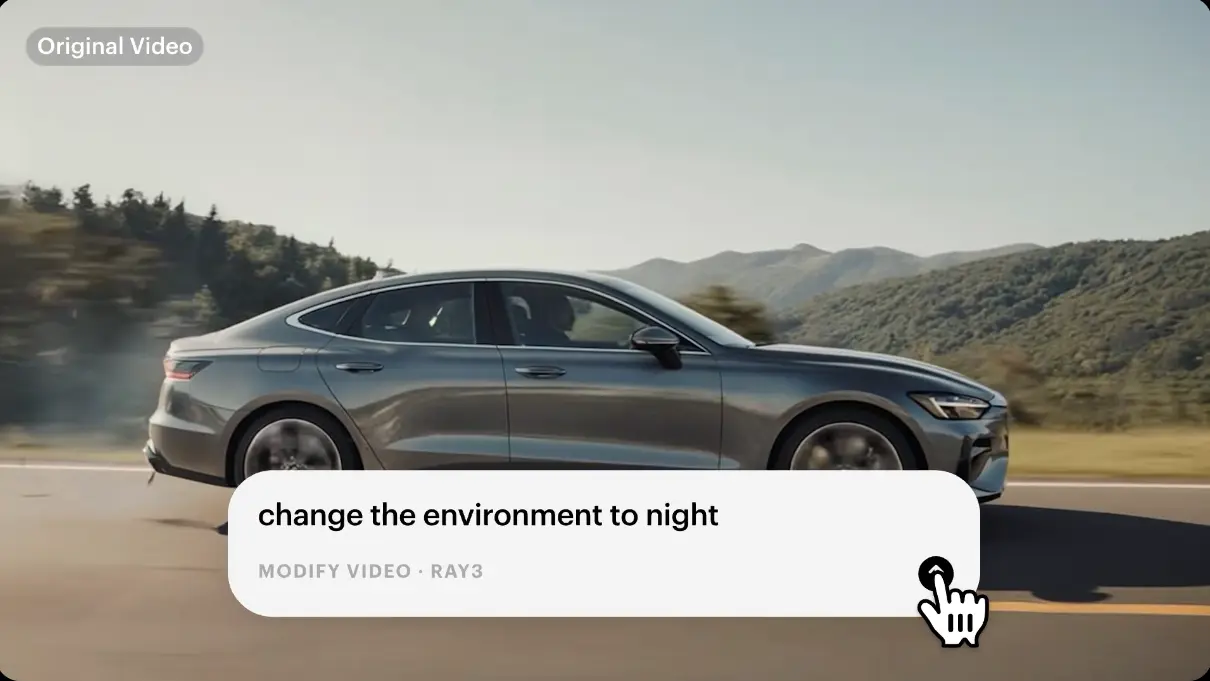
Luma Ray 3 Fastest B-Roll Generation
Vidu AI Most Reference Images (Up to 7)
InVideo AI Best All-in-One Model Editor
Here’s a closer look at each tool, including what it does best, where it falls short, and what it costs.
Kling AI
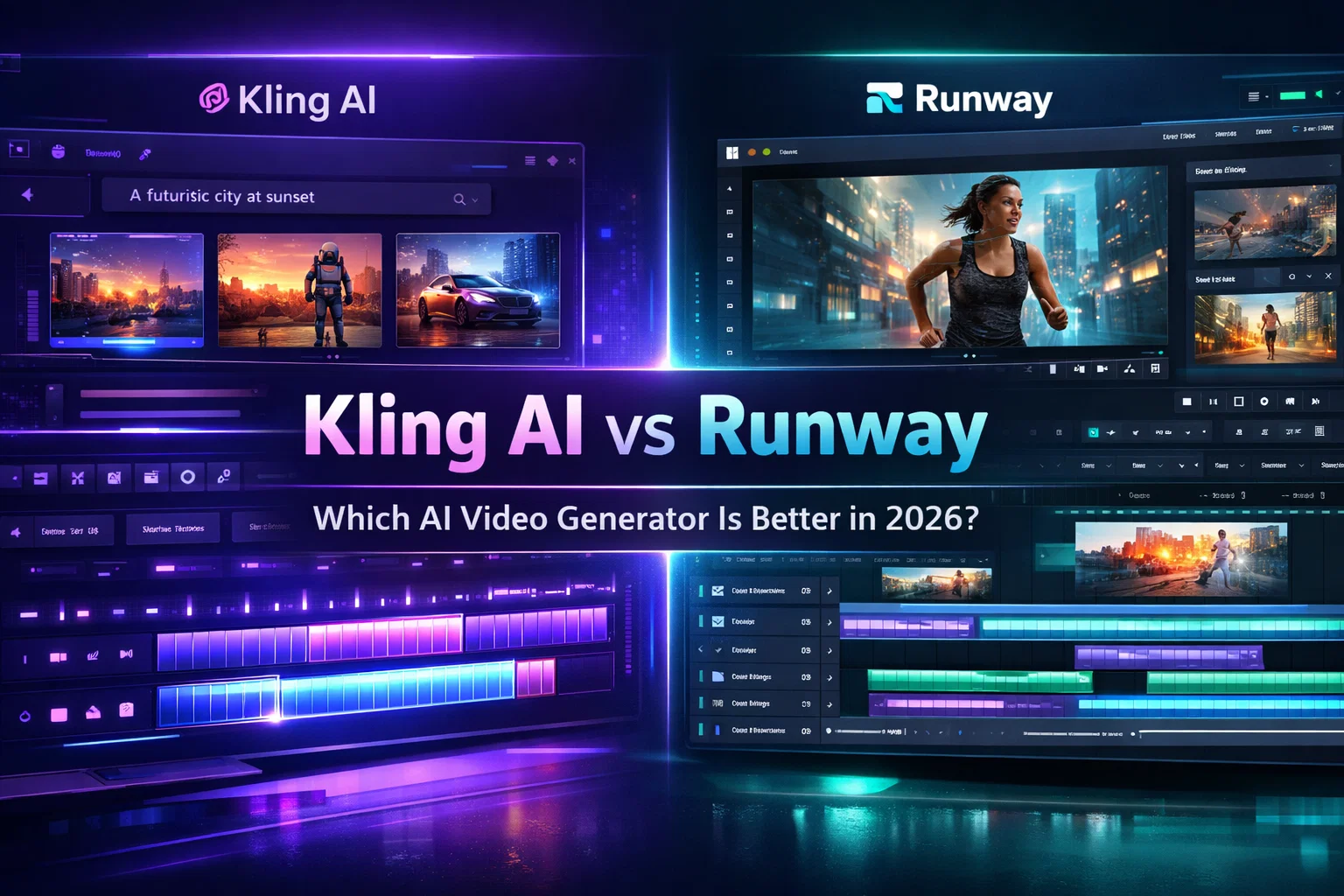
Kling AI, built by Kuaishou, one of China’s largest short-video platforms, has become one of the most talked-about AI video tools among creators. Its Motion Brush feature lets users paint specific motion trajectories directly onto elements in a frame, addressing the sliding, floating-above-the-ground look common in tools that predict motion frame by frame.
On G2, Kling sits at 4.7 out of 5, though the review count is still small at this stage. Its free plan gives 66 credits a day that refresh every 24 hours, one of the most generous free allowances among premium video tools, with paid plans starting around $10 a month for the Standard tier.
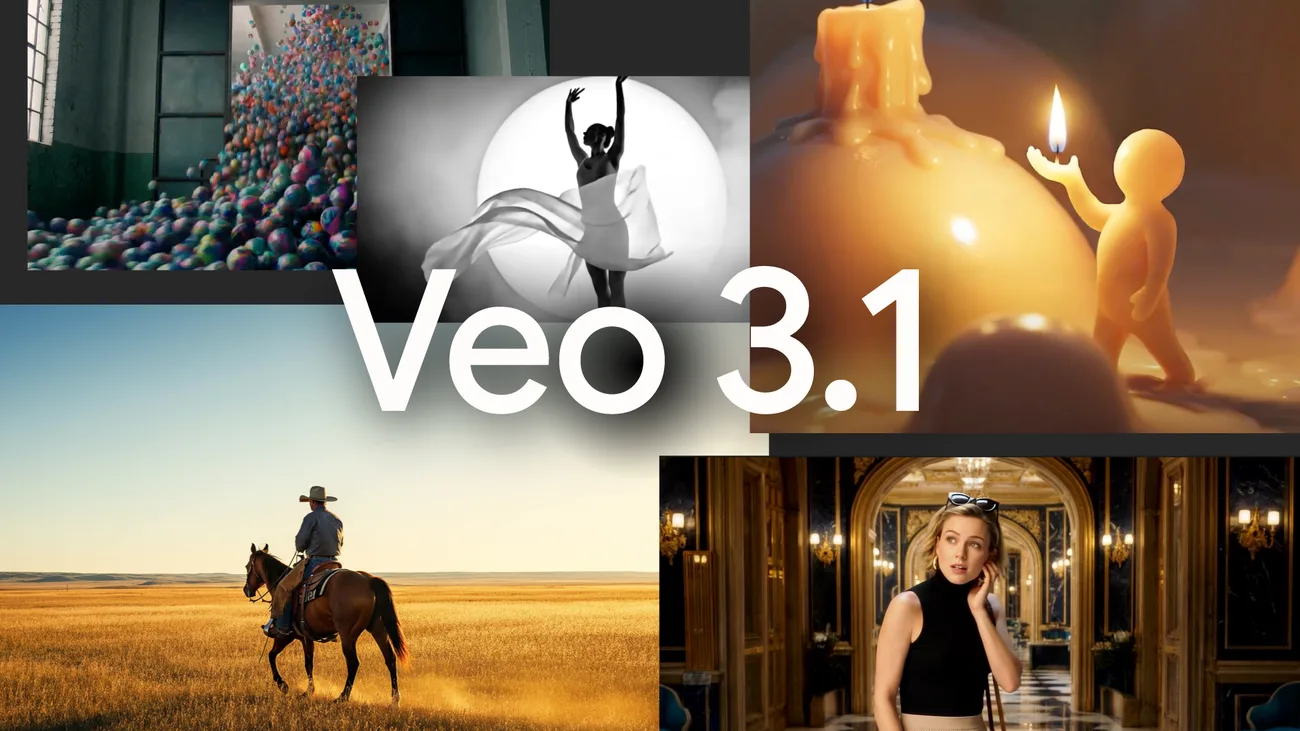
Google Veo 3.1
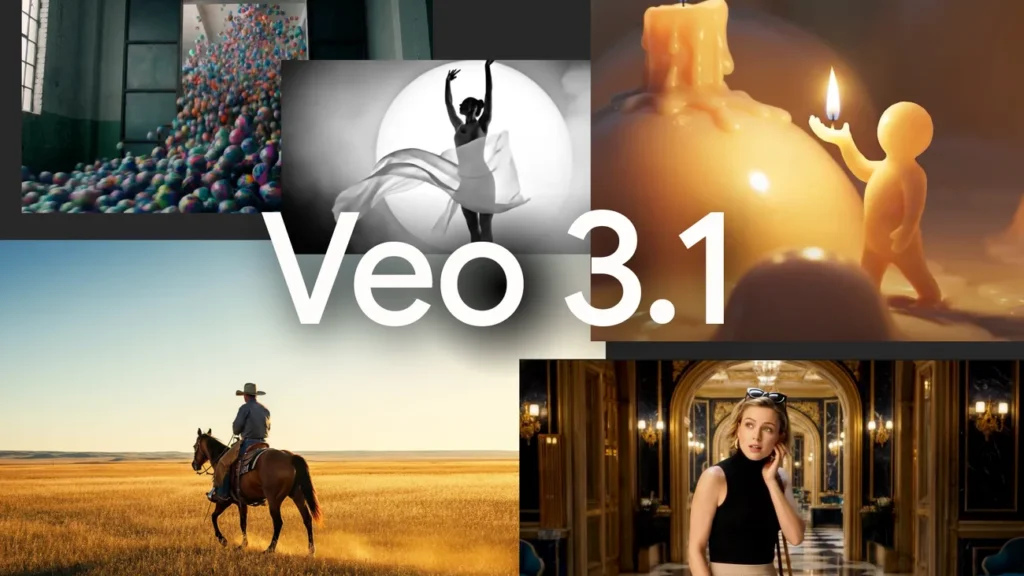
Google’s Veo 3.1 is widely regarded for environmental realism, particularly lighting behavior, surface reflections, and how shadows track across moving subjects. Independent technical coverage consistently points to its physics simulation, including how objects displace air and how fabric and water respond to movement, as among the strongest in the category.
Veo 3.1 does not have a standalone G2 or Trustpilot profile since it ships bundled into Google’s AI subscription plans instead of being sold on its own. Access comes through Google AI Pro at $19.99 a month, which includes a limited trial of the lighter Veo 3.1 model, or Google AI Ultra starting at $99.99 a month for fuller access, and generation can take anywhere from about 11 seconds to several minutes per clip during peak demand.
OpenAI Sora 2
Sora 2 draws consistent praise for handling complex physical interactions, like the buoyancy of a paddleboard or the rebound of a basketball off a backboard, that most other models still struggle to simulate convincingly. It holds a 4.1 out of 5 rating from 60 reviews on G2.
Character consistency over longer clips is a more common complaint, with some reviewers noting occasional sliding motion or limbs that phase through nearby objects. Access runs through a ChatGPT subscription: Plus at $20 a month includes a limited number of priority generations, while Pro at $200 a month unlocks significantly higher volume and resolution, and availability still varies by region.
Runway Gen-4.5

Runway Gen-4.5 is best known for creative control rather than raw photorealism. Instead of describing a shot in a prompt and hoping for the best, creators can direct camera movement and shot composition more precisely, which cuts down on wasted generations compared to less controllable tools.
Runway’s G2 rating sits at 4.2 out of 5 from 102 reviews. Pricing starts with a free plan, then $12 a month for the Standard tier; native output caps at 720p, with 4K upscaling available as a paid add-on, and clips run up to 10 seconds long.
HeyGen
HeyGen’s Avatar IV is built to generate realistic AI presenters, not full scenes, and it holds one of the strongest ratings in this list at 4.8 out of 5 from nearly 2,000 reviews on G2. Its avatars are commonly used for product demos, marketing videos, and spokesperson content.
The standout feature for global teams is translation. HeyGen can take a single recorded video and dub it into more than 175 languages with matching lip sync on paid plans, while the free plan includes three one-minute videos a month with one custom avatar and access to over 30 languages.
Synthesia
Synthesia targets enterprise buyers over individual creators, with structured workflows, team collaboration tools, and compliance features built in. It is used by more than 50,000 companies, including a significant share of the Fortune 100, for training, onboarding, and internal communications.
The platform holds a 4.6 out of 5 rating from 2,807 reviews on G2, more than any other tool in this list. Its free plan includes 1,200 credits a month, roughly 10 minutes of video, with no credit card required, and paid plans start around $18 a month on annual billing, with access to more than 240 avatars and 160 languages.
Higgsfield
Higgsfield’s LipSync Studio gives creators access to 10 different lip sync models in one workspace, including Google’s Veo 3, letting users pick the tradeoff between speed and fidelity that fits a given clip. It holds a 4.5 out of 5 rating from 85 reviews on G2.
Testing the interface is free, but Higgsfield’s free plan excludes commercial use, so most creators move to the $19 a month Starter plan for 270 credits. The Plus plan runs $59 a month, or about $47 a month billed annually, for 1,200 credits.
Luma Ray 3
Luma’s Ray 3 model is not built to compete with Kling or Veo on raw realism, but it generates usable, visually strong B-roll faster than most premium models, which makes it a practical choice for social content and concept testing. It supports start and end frame control and can lock a character’s likeness from a single reference image.
Luma’s review base on G2 is too small to cite as a meaningful rating at this stage. A free tier exists, though third-party reports disagree on the exact credit allowance, so it’s worth checking the current limit directly in the app. Paid plans start around $25 a month on annual billing for the Plus tier, capped at 720p resolution and watermarked on the free tier.
Vidu AI
Vidu AI, built by the Chinese AI lab Shengshu Technology, is built around a feature most competitors do not offer at the same depth: Reference to Video. Creators can feed the model up to seven reference images in a single generation, and Vidu uses them to lock character appearance and scene composition across the output, directly targeting two of the hardest realism problems in this guide’s framework.
Independent review data on Vidu is thin and mixed. Its G2 profile has too few reviews to cite as a meaningful rating, and its Trustpilot score sits at 2.3 out of 5 from 16 reviews, categorized as Poor, worth knowing before committing a production workflow to it. A free plan exists, though credits run out quickly, and paid plans start at $8 a month (billed annually) for 800 monthly credits, with Premium at $28 a month and Ultimate at $79 a month for higher-volume use.
InVideo AI
InVideo AI is different from every other tool in this guide: it does not train its own video generation model. It is an editor and workflow layer that sits on top of models like Kling, Veo, Sora, and Seedance, letting creators pick whichever underlying model fits a shot and assemble the result inside one timeline. Because of that, InVideo AI is not scored on realism here. Whatever it outputs inherits its realism entirely from the model you select inside it, not from InVideo itself.
Where InVideo AI earns its place in this guide is workflow. It holds a 4.2 out of 5 rating from 181 reviews on G2, one of the stronger review bases in this list, built on ease of use rather than raw output quality. There is no dedicated free plan. Paid seats start at $20 a month (billed annually) for 400 credits, with Plus at $50 a month for 2,000 credits and Max at $101 a month for 5,000 credits, and credit costs vary depending on which underlying model you generate with.
Kling’s free plan gives 66 credits a day, every day, while OpenAI’s Sora 2 Pro plan costs $200 a month for full access. One is built for casual creators testing ideas, the other for production teams with a budget to match.
Which AI Video Generator Has the Best Free Plan
Free plans vary widely across these ten tools, from generous daily credits to watermarked, commercial-restricted trials, to no free tier at all. Here’s what each one gives you before you pay.
- u003cstrongu003eKling AIu003c/strongu003e gives 66 credits a day, refreshing every 24 hours, the most generous free allowance in this list.
- u003cstrongu003eRunwayu003c/strongu003e offers a free plan with limited credits, capped at 720p resolution and 10-second clips.
- u003cstrongu003eHeyGenu003c/strongu003e gives three one-minute videos a month with one custom avatar and 30+ languages.
- u003cstrongu003eSynthesiau003c/strongu003e includes 1,200 credits a month, roughly 10 minutes of video, with no credit card required.
- u003cstrongu003eHiggsfieldu003c/strongu003e has a free tier for testing the interface, but it excludes commercial use entirely.
- u003cstrongu003eLuma Ray 3u003c/strongu003e offers a free tier, watermarked and capped at 720p, though the exact credit allowance varies by source.
- u003cstrongu003eVidu AIu003c/strongu003e offers a free plan, but credits deplete quickly; paid plans start at $8/mo (annual) for 800 credits.
- u003cstrongu003eGoogle Veo 3.1u003c/strongu003e and u003cstrongu003eOpenAI Sora 2u003c/strongu003e have no meaningful free tier and require a paid subscription to generate video.
- u003cstrongu003eInVideo AIu003c/strongu003e has no dedicated free plan; the lowest paid seat starts at $20/mo (annual) for 400 credits.
The Honest Pain Points Nobody Talks About

Most AI video articles skip the actual experience of using these tools at scale. A few things are worth knowing before you commit a budget to any of them.
Credit burn adds up fast. Creators in AI video communities commonly report burning through 15 to 20 generations to land one usable clip on tools without strong directorial controls. Runway and Kling’s control tools directly address this. Factor it into your cost calculation before choosing a plan.
Slow motion often hides weaknesses. Many AI video models default to slow, drifting motion, which can mask frame interpolation errors. Fast, realistic movement (a genuine run, a quick hand gesture, a high-speed vehicle) is still one of the harder tests in the category. Kling and Sora 2 are the two most frequently cited as handling it best, though neither is flawless.
The uncanny valley has shifted. A few years ago, the obvious tell was faces looking wrong in a static frame. Now it shows up more in motion logic and consistency across frames. A face can look right in frame one and wrong in frame ten, which is why it’s worth judging a tool on a full clip rather than a single screenshot.
Match the tool to what you’re building
Which Tool Fits Your Project
- u003cstrongu003eChoose Kling AIu003c/strongu003e if you need realistic human characters and consistent motion for social media, marketing, or narrative video, and want the most generous free tier.
- u003cstrongu003eChoose Google Veo 3.1u003c/strongu003e if you’re producing cinematic content where lighting quality and environmental physics matter more than speed or cost.
- u003cstrongu003eChoose OpenAI Sora 2u003c/strongu003e if your content involves complex physical interactions like sports, stunts, or water, and you have a ChatGPT Pro subscription.
- u003cstrongu003eChoose Runway Gen-4.5u003c/strongu003e if you’re a professional who needs reliable, directable output and can’t afford the credit waste that comes with less controllable tools.
- u003cstrongu003eChoose HeyGenu003c/strongu003e if you need a photorealistic AI spokesperson or avatar for marketing, product demos, or multilingual campaigns.
- u003cstrongu003eChoose Synthesiau003c/strongu003e if you’re at an enterprise that needs structured training or internal communications content at scale.
- u003cstrongu003eChoose Higgsfieldu003c/strongu003e if you want access to multiple lip sync and video models, including Google’s Veo 3, in one workspace.
- u003cstrongu003eChoose Luma Ray 3u003c/strongu003e if you need fast, visually strong B-roll for social content without a large budget or complex workflow.
- u003cstrongu003eChoose Vidu AIu003c/strongu003e if character and scene consistency across multiple reference images matters more to you than raw motion polish, and you want the cheapest entry-level paid plan in this list.
- u003cstrongu003eChoose InVideo AIu003c/strongu003e if you want to generate with several different underlying models, Kling, Veo, Sora, and more, inside one editor instead of subscribing to each separately.
Tools like Pika, Hailuo AI, and Seedance also compete in this space and are worth a look if none of the ten above fit your workflow.
If Kling Isn’t the Right Fit
If Kling’s newer review base or its origin as a Chinese product gives you pause, Google Veo 3.1 is the strongest alternative for cinematic lighting and physics, Runway Gen-4.5 offers more predictable, directable output for brand campaigns, and HeyGen is the better choice if what you need is a realistic AI presenter, not a full scene.
Frequently Asked Questions
What is the most realistic AI video generator?
u003cstrongu003eKling AI currently leads on motion realismu003c/strongu003e, particularly for human movement and physical interaction with objects, thanks to its Motion Brush controls. Google Veo 3.1 and OpenAI Sora 2 are close behind, with Veo stronger on lighting and Sora 2 stronger on complex physics.
Is Google Veo 3.1 better than Sora 2?
u003cstrongu003eIt depends on what you’re generating.u003c/strongu003e Veo 3.1 tends to produce more convincing lighting and environmental physics, while Sora 2 handles complex physical interactions, like sports and stunts, more reliably. Sora 2 also has a more limited access model through ChatGPT.
Which AI video generator has the best free plan?
u003cstrongu003eKling AI’s free plan is the most generousu003c/strongu003e, with 66 credits a day that refresh every 24 hours. Runway, Synthesia, and HeyGen also offer usable free tiers, though with tighter monthly limits.
Can AI video generators create realistic talking avatars?
u003cstrongu003eYes, HeyGen and Synthesia are built specifically for this.u003c/strongu003e HeyGen’s Avatar IV is generally considered the more photorealistic of the two, while Synthesia is built for larger enterprise teams with a bigger avatar and language library.
How much do AI video generators cost?
u003cstrongu003ePrices range from free to around $200 a month.u003c/strongu003e Kling, Runway, HeyGen, and Synthesia all offer usable free tiers, while OpenAI Sora 2’s full capability requires a $200 a month ChatGPT Pro subscription.
Is there a free AI video generator for commercial use?
u003cstrongu003eMost free tiers restrict commercial use or add a watermark.u003c/strongu003e Higgsfield’s free plan explicitly excludes commercial use, and Luma’s free tier is watermarked. Kling’s and Runway’s free tiers are among the more flexible options, but confirm current terms before using output commercially.
Which AI video generator has the best character consistency across multiple shots?
u003cstrongu003eVidu AI is built specifically for this.u003c/strongu003e Its Reference to Video feature accepts up to seven reference images per generation to lock character appearance and scene composition, a level of multi-shot control most competitors don’t offer at the same depth, though its review base is still thin.
Can I access multiple AI video models like Kling, Veo, and Sora from one subscription?
u003cstrongu003eYes, InVideo AI is built for exactly this.u003c/strongu003e It’s an editor rather than its own generation model, letting you choose between models like Kling, Veo, Sora, and Seedance inside one workspace instead of paying for each tool separately, though the realism of your output still depends entirely on the model you pick.
Final Verdict
Kling AI is the tool to pick if you want the most realistic human motion and character consistency in an AI video generator. Its Motion Brush controls solve the sliding, floating-above-the-ground look that affects most competing tools, and its free tier is the most generous in this category. If your priority is cinematic lighting and environmental physics instead, Google Veo 3.1 is the stronger fit.
Ready to try the top pick?
Kling AI’s free plan gives you 66 credits a day, no credit card required, enough to test your own use case before spending anything.