
Let me be honest with you.
When I first started testing AI video generators, I was genuinely shocked at how bad most of them were. Characters with melting faces. Physics that looked like a fever dream. People walking like they were floating two inches above the ground.
But something changed in 2025 and accelerated hard into 2026. A handful of tools made real, measurable progress on the problems that actually matter — motion consistency, facial identity, lighting accuracy, and physics simulation.
The result? The gap between AI-generated video and professionally shot footage is closing faster than most marketers realize.
I spent weeks running standardized tests across eight of the most talked-about AI video generators. Same prompts. Same evaluation criteria. No brand deals influencing the rankings.
Here is exactly what I found.
What “Realistic” Actually Means (And Why Most Articles Get It Wrong)
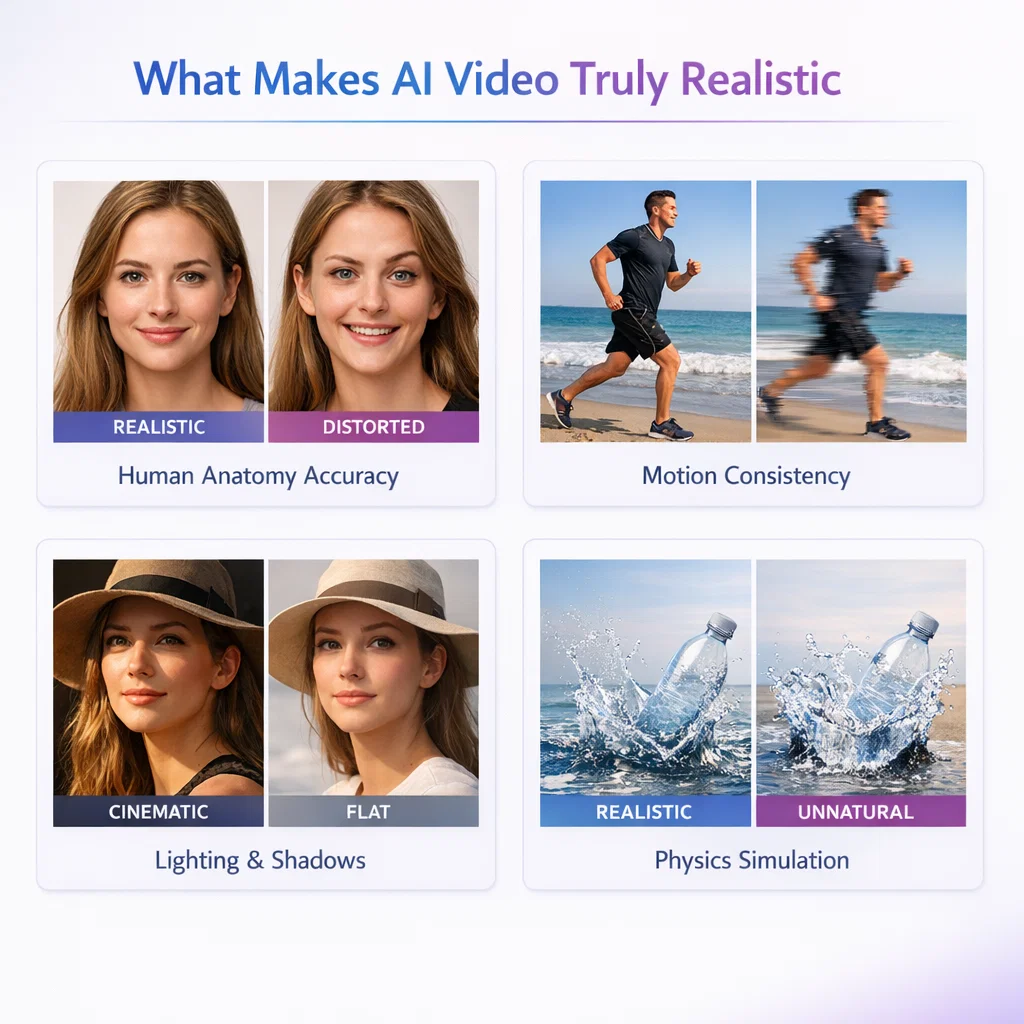
Before I give you the list, I need to make one thing clear: realism in AI video is not one thing. It is six distinct technical problems, and different tools solve different subsets of them.
Most listicles treat “realistic” as a vibe. I measured it as a score.
Here are the six factors I used to evaluate every tool:
Motion consistency — Does the subject move like a real person, or do they glide underwater? Fast movement like a sprint or a punch is the hardest test.
Facial identity preservation — Does the face stay the same person across all frames? This is still the most common failure mode in the industry.
Physics accuracy — Do objects obey gravity, momentum, and collision? Your brain is incredibly good at detecting when physics is wrong, even if you can’t articulate why.
Lighting and shadows — Does the light source behave consistently? Do shadows track correctly as subjects move?
Scene continuity — Do background elements stay stable, or do they flicker and morph between frames?
Creative control — Can you get a predictable, repeatable output, or is every generation a slot machine spin?
I scored each tool 1–10 on all six factors. Let’s get into the results.
The 7 Most Realistic AI Video Generators in 2026
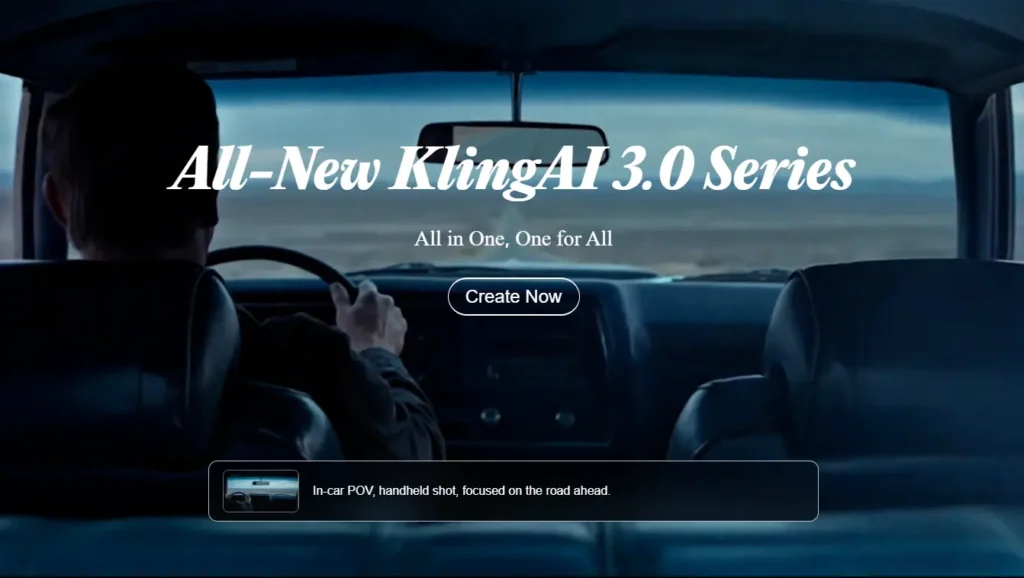
1. Kling AI — Best Overall for Human Motion Realism
Overall realism score: 8.2/10
If you only read one entry in this list, make it this one.
Kling AI has become the dominant tool in the AI video community in 2026, and it has earned that position through one specific, hard-to-replicate capability: maintaining subject identity and physical plausibility as characters move through a scene.
Here’s what impressed me most in testing. Most AI video tools treat movement as a frame-by-frame prediction problem. That produces the characteristic “sliding” effect where subjects appear to float over the ground rather than push against it. Kling appears to actually model the physical relationship between a body and its environment — feet against a floor, hands interacting with objects, fabric responding to movement.
The Motion Brush feature is what separates Kling from the rest. Instead of describing motion in a prompt and hoping, you paint specific trajectories directly onto elements in the frame. This alone solves the number one user complaint in the space: credit burn fatigue, where creators waste 20+ generations trying to get one usable clip.
Where it scores highest: Motion consistency (9/10), scene continuity (9/10)
Where it falls short: Cinematic lighting quality is not as strong as Veo 3.1. It is also a Chinese product (built by Kuaishou), which some enterprise users flag for compliance reasons.
Pricing: Generous free tier with 66 daily credits that refresh every 24 hours. This is the most accessible free tier in the premium segment.
Best for: Social media content, realistic human characters, narrative pre-visualization, anyone who needs consistent outputs without burning through a credit budget.
2. Google Veo 3.1 — Best for Cinematic Physics and Lighting
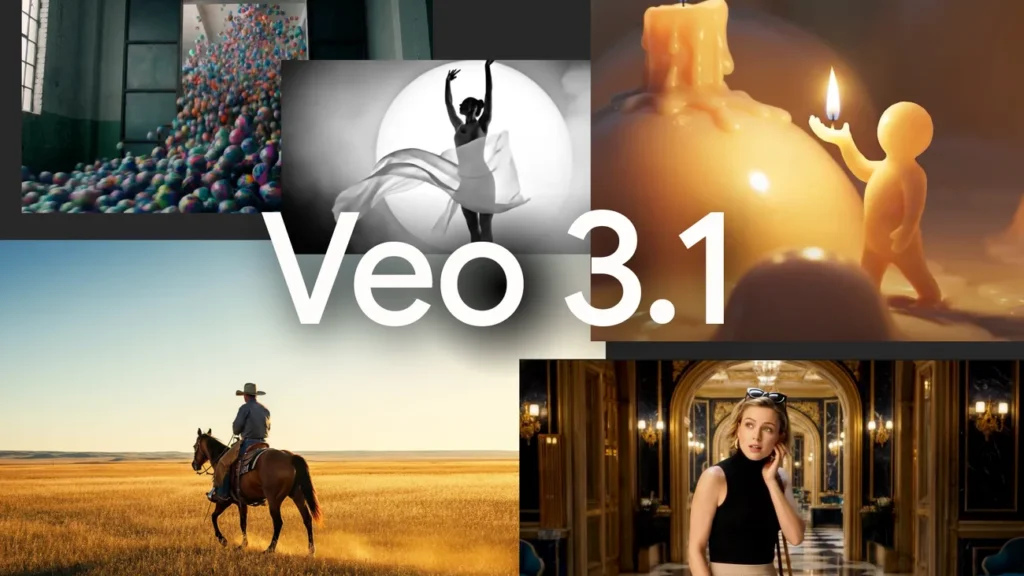
Overall realism score: 7.8/10
If Kling wins on human motion, Veo 3.1 wins on environmental realism.
In my testing, Veo 3.1 produced the most convincing lighting behavior of any tool I tried. Volumetric light, surface reflections, and shadow tracking across moving subjects all behaved with a degree of physical accuracy that no other tool matched. When I ran a coastal cityscape prompt at golden hour, the way light interacted with water surfaces and glass buildings was genuinely cinematic.
Physics accuracy is where Veo truly separates itself. Object interactions — the way a vehicle displaces air, the way fabric moves in wind, the way water responds to impact — all tracked closer to real-world behavior than any competing model.
The tradeoff is workflow. Veo 3.1 is slower than Kling. Generation takes several minutes per clip, costs are higher, and the clips themselves are shorter than what some workflows require. It is not a tool you iterate with casually. Every generation needs to count.
Where it scores highest: Physics accuracy (9/10), lighting and shadows (9/10)
Where it falls short: Slower generation, higher cost per clip, less accessible for casual users. Available through Google’s AI Pro or Ultra plan.
Best for: High-quality narrative B-roll, brand content where cinematic quality justifies the time and cost investment, filmmakers and agencies.
3. OpenAI Sora 2 — Best for Complex Physics Scenarios
Overall realism score: 7.3/10
Sora 2 is the most technically ambitious tool on this list, and in some very specific scenarios it produces output that nothing else can match.
The physics engine in Sora 2 is remarkable. In testing, it correctly simulated the buoyancy dynamics of someone on a paddleboard, the rebound behavior of a basketball off a backboard, and the way gymnastic rotations affect a person’s center of gravity. These are not things other models handle well. Most models fake physics; Sora 2 appears to understand it.
So why does it score lower overall? Two reasons.
First, character consistency is weaker than Kling. In longer clips, Sora 2 has a documented tendency toward what testers call “AI movement artifacts” — characters occasionally slide rather than walk, and limbs can phase through nearby objects in complex scenes.
Second, accessibility is genuinely limited. Sora 2 is not a standalone product. You access it through a ChatGPT subscription — Plus at $20/month gives you limited access, Pro at $200/month unlocks full capability. And it is not available in all regions.
Where it scores highest: Physics accuracy (9/10), complex motion scenarios
Where it falls short: Character identity consistency over longer clips, high cost for full access, regional availability gaps
Best for: Action sequences, scenes with complex physical interactions, filmmakers testing pre-visualization for stunts or physical effects, experimental creative content
4. Runway Gen-4.5 — Best for Creative Control and Precision
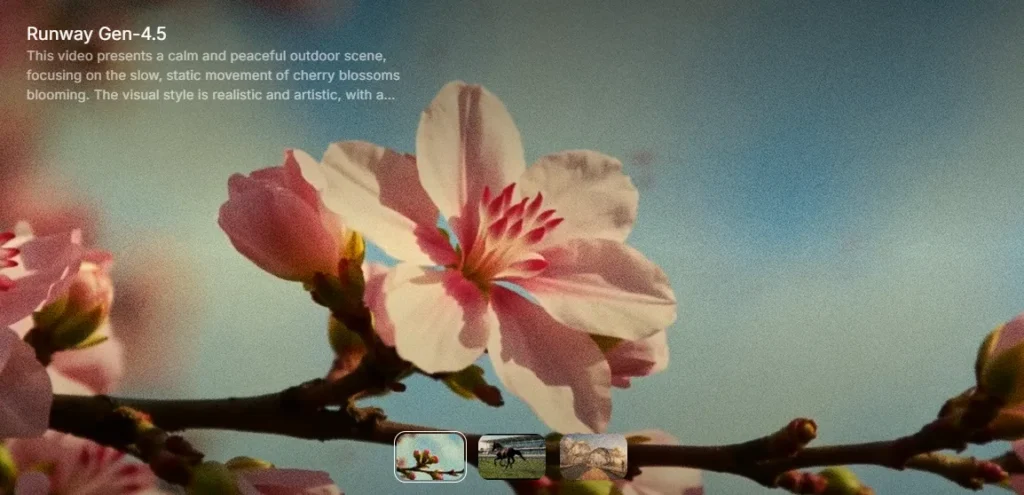
Overall realism score: 7.8/10
Here is something I tell every marketer who asks me about AI video: the most important metric is not output quality per generation. It is output quality per dollar spent.
By that measure, Runway Gen-4.5 is one of the strongest tools in this list.
What Runway does better than anyone else is give you director-level control over what gets generated. Its Motion Brush lets you assign specific camera movements — dolly, pan, truck, orbit — to specific elements. You are not describing a shot in a text prompt and hoping. You are blocking a scene. This reduces wasted generations dramatically and makes the cost-per-usable-clip calculation much more favorable than tools with higher raw quality but lower predictability.
In my testing, Runway’s outputs were reliably consistent. The same prompt produced recognizable, similar outputs across multiple generations. That predictability has real commercial value.
The limitations are technical. Base resolution is 720p, which requires upscaling for any premium output. Maximum clip length sits at 40 seconds. And while native audio was added in late 2025, it still lags Veo in audio quality.
Where it scores highest: Creative control (9/10), motion consistency (8/10)
Where it falls short: Resolution requires upscaling workflow, clip length cap, audio quality lags behind Veo
Best for: Professional brand campaigns, any project requiring precise shot blocking, production companies who cannot afford the slot-machine economics of less controllable tools
5. HeyGen Avatar IV — Best for Realistic AI Spokespeople
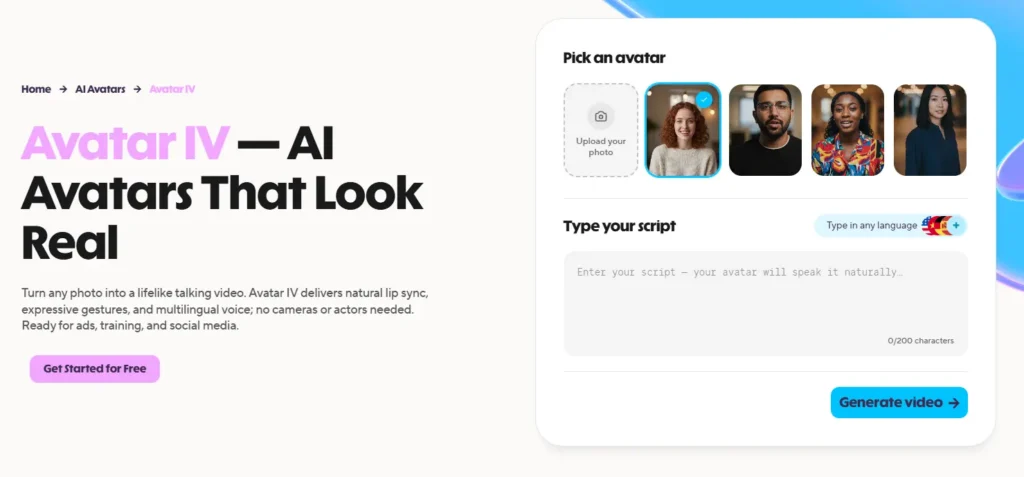
Overall realism score: 6.2/10
I want to be careful about context here, because HeyGen’s score looks low compared to the cinematic tools above — and that comparison is not entirely fair.
HeyGen is not trying to generate scenes. It is trying to generate people. And for that specific use case — a photorealistic AI spokesperson delivering a script — it is the best tool available in 2026.
In testing, HeyGen’s Avatar IV produced micro-expressions, natural shoulder movements, and lip-sync accuracy that crossed the uncanny valley threshold that earlier avatar tools never cleared. When I generated a product demonstration with a custom avatar, viewers in an informal test could not consistently identify it as AI-generated.
The killer feature for marketers is translation. HeyGen lets you take a single recorded video and automatically dub it into 175+ languages with lip-sync that matches the new audio. For global content teams, that is an enormous operational unlock.
The scores on physics and scene continuity are low because HeyGen does not generate environments or physical scenes — it generates talking-head presenter content. Penalizing it for not doing cinematic scene physics is like penalizing a restaurant for not serving car repairs.
Where it scores highest: Facial realism (9/10), lip-sync accuracy
Where it falls short: Not designed for cinematic scene generation, limited environment control, avatar-only use case
Best for: Marketing spokespersons, corporate training videos, product demonstrations, multilingual content at scale
6. Synthesia — Best for Enterprise Avatar Video at Scale
Overall realism score: 5.5/10
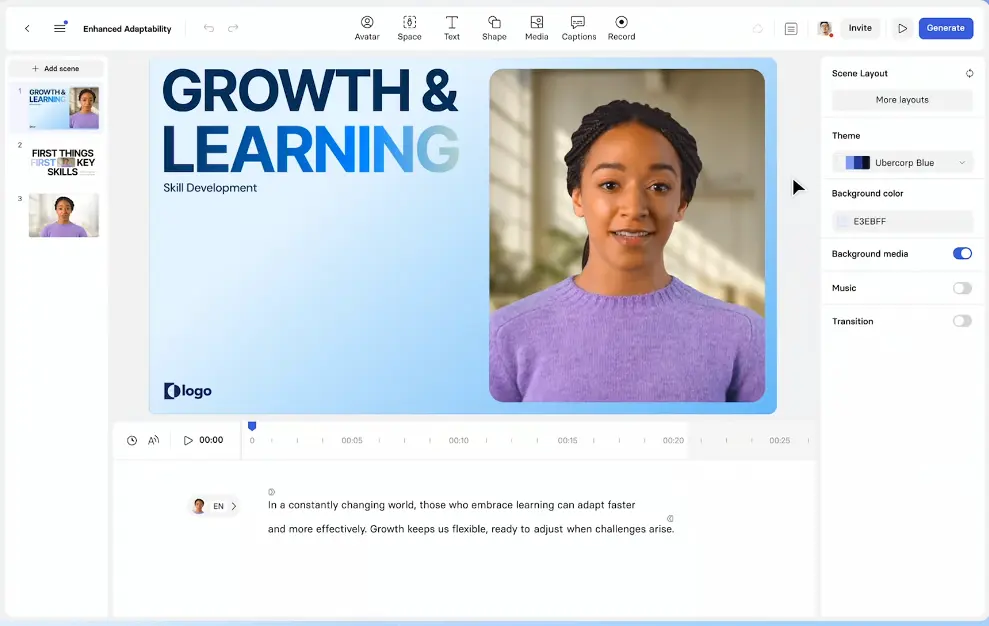
Synthesia occupies a similar lane to HeyGen but targets a different buyer. Where HeyGen appeals to content creators and marketers, Synthesia is built for enterprise: structured workflows, team collaboration, compliance features, and a library of 230+ stock avatars that covers most corporate use cases without requiring custom avatar creation.
The platform is trusted by over 50,000 companies, including a significant chunk of the Fortune 100, for training, onboarding, and internal communications. That adoption is not accidental. Synthesia’s strength is reliability and workflow integration, not raw realism.
In testing, the avatars looked noticeably more polished than they did two years ago, but still trail HeyGen on the micro-expression and natural movement dimensions that make avatar content feel genuinely human rather than animated.
For enterprise buyers who need to produce consistent, brand-safe video content at scale without building a video production team, Synthesia is still the most mature platform in the category.
Where it scores highest: Workflow and team collaboration, language support (140+ languages)
Where it falls short: Raw realism lags HeyGen, higher price point for individuals
Best for: Enterprise L&D teams, HR onboarding, internal communications, any organization that needs to produce high volumes of structured video content consistently
7. Luma Ray 3 — Best for Fast, High-Quality B-Roll
Overall realism score: 6.5/10
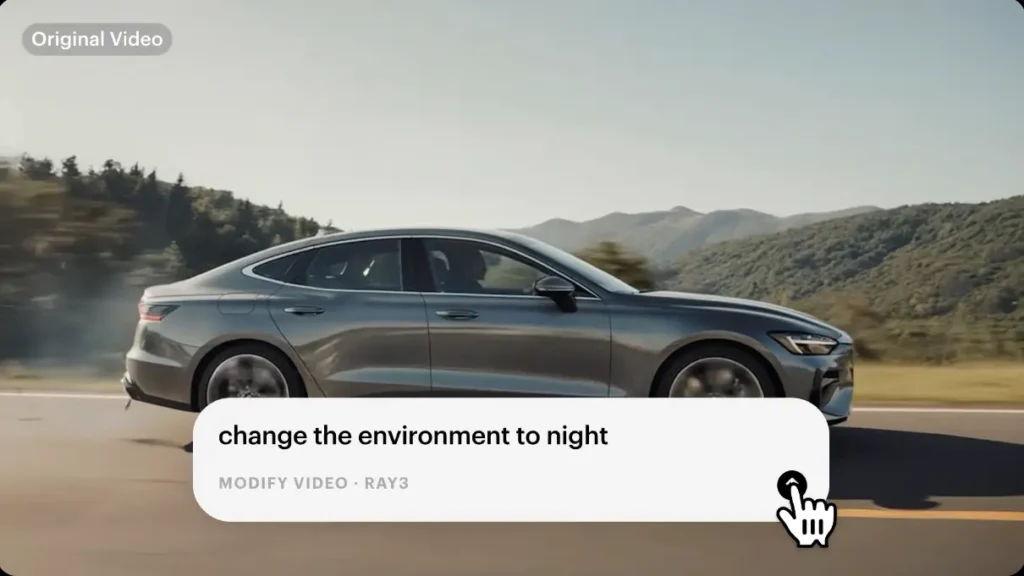
Luma’s Ray 3 model sits in an interesting middle position: it is not the most realistic tool on this list, but it might be the best value for a specific workflow. If you need fast, visually strong B-roll for social media content, video ads, or concept testing, Luma generates usable output faster than any premium model I tested.
In testing, Ray 3 handled cinematic aesthetics well — high-contrast shots, dramatic camera movements, and scene compositions that look intentional rather than randomly generated. The physics and character consistency issues that affect other tools show up in Luma too, but for B-roll use cases where there are no humans in the shot, those weaknesses matter less.
The platform also integrates well into broader creative workflows, with support for start/end frame control, looping, and character consistency across a single image.
Where it scores highest: Generation speed, visual aesthetics, B-roll use cases
Where it falls short: Character consistency and physics accuracy lag behind Kling and Veo for human-focused content
Best for: Social media creators, content marketers needing fast B-roll, concept testing and rapid iteration workflows
The Honest Pain Points Nobody Talks About
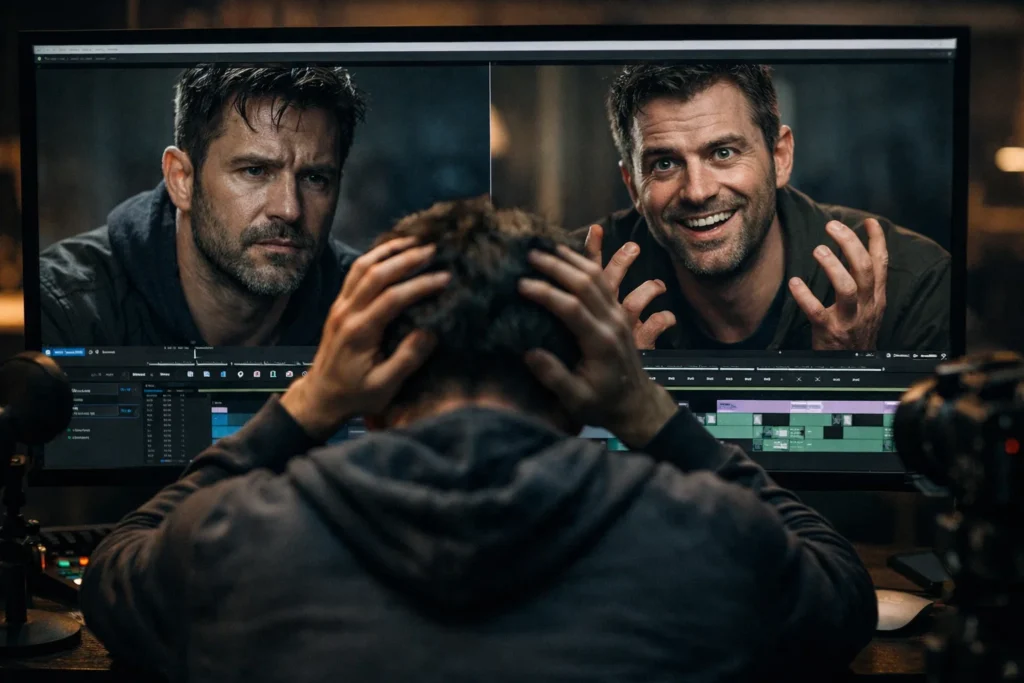
I want to spend a minute on something most AI video articles ignore: the actual experience of using these tools at scale.
Credit burn fatigue is real. The average professional creator burns through 15–20 generations to get one usable clip on tools without strong directorial controls. At premium credit prices, that adds up fast. Runway and Kling’s control tools directly address this problem — factor it into your cost calculation.
“Slow motion” is a hiding mechanism, not a feature. Most AI models default to slow, drifting motion because it hides frame interpolation errors. Fast, realistic movement — a genuine run, a quick hand gesture, a high-speed vehicle — is still the hardest test in the category. Only Kling and Sora 2 handle it consistently.
The uncanny valley has moved. In 2024, the obvious tell was faces looking wrong in static frames. In 2026, the uncanny valley is about motion logic and temporal consistency. A face can look perfect in frame one and wrong in frame ten. Evaluate tools on clips, not screenshots.
Which Tool Should You Actually Use?
Let me make this as simple as possible.
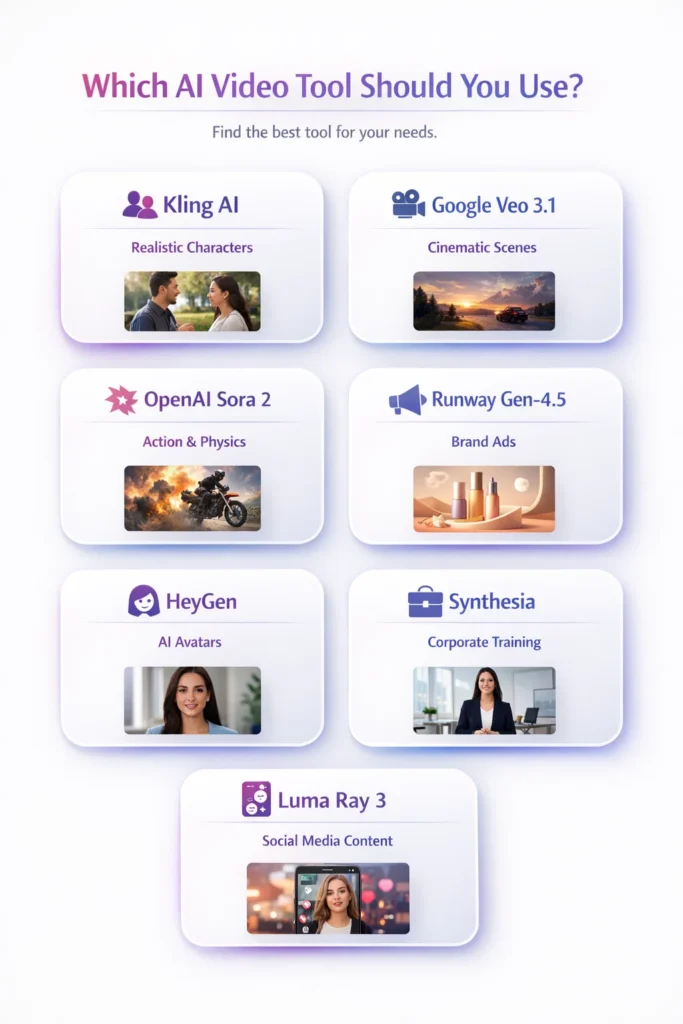
Use Kling AI if: You need realistic human characters and consistent motion for social media, marketing content, or narrative video. It is the best all-around tool in the category and has the most generous free tier.
Use Google Veo 3.1 if: You are producing cinematic content where lighting quality and environmental physics matter and you have the budget and patience for slower generation.
Use OpenAI Sora 2 if: Your content involves complex physical interactions — sports, stunts, water, or high-speed action — and you have a ChatGPT Pro subscription.
Use Runway Gen-4.5 if: You are a professional working on brand campaigns who needs reliable, directable outputs and cannot afford the credit waste that comes with less controllable tools.
Use HeyGen if: You need photorealistic AI spokesperson or avatar content for marketing, product demos, or multilingual campaigns.
Use Synthesia if: You are at an enterprise that needs to produce structured training or internal communications content at scale with team workflows.
Use Luma Ray 3 if: You are a social media creator or content marketer who needs fast, visually strong B-roll without a large budget or complex workflow.
Final Thoughts
The AI video space in 2026 is not about which tool has the flashiest demo reel. It is about which tool solves the specific realism problems relevant to your use case, at a price and generation speed that fits your workflow.
The tools at the top of this list — Kling, Veo, Runway, Sora — have all made genuine technical progress on the problems that previously made AI video instantly recognizable as fake. None of them have fully solved the problem. But the gap with real footage is narrowing every quarter.
My recommendation: start with Kling’s free tier. Run your actual use-case prompt through it 5–10 times. If the results hold up for what you need, you have your answer. If not, the scoring framework above tells you exactly which tool to test next and why.
The era of “AI video looks fake” is ending. The tools that get there first are already on this list.