
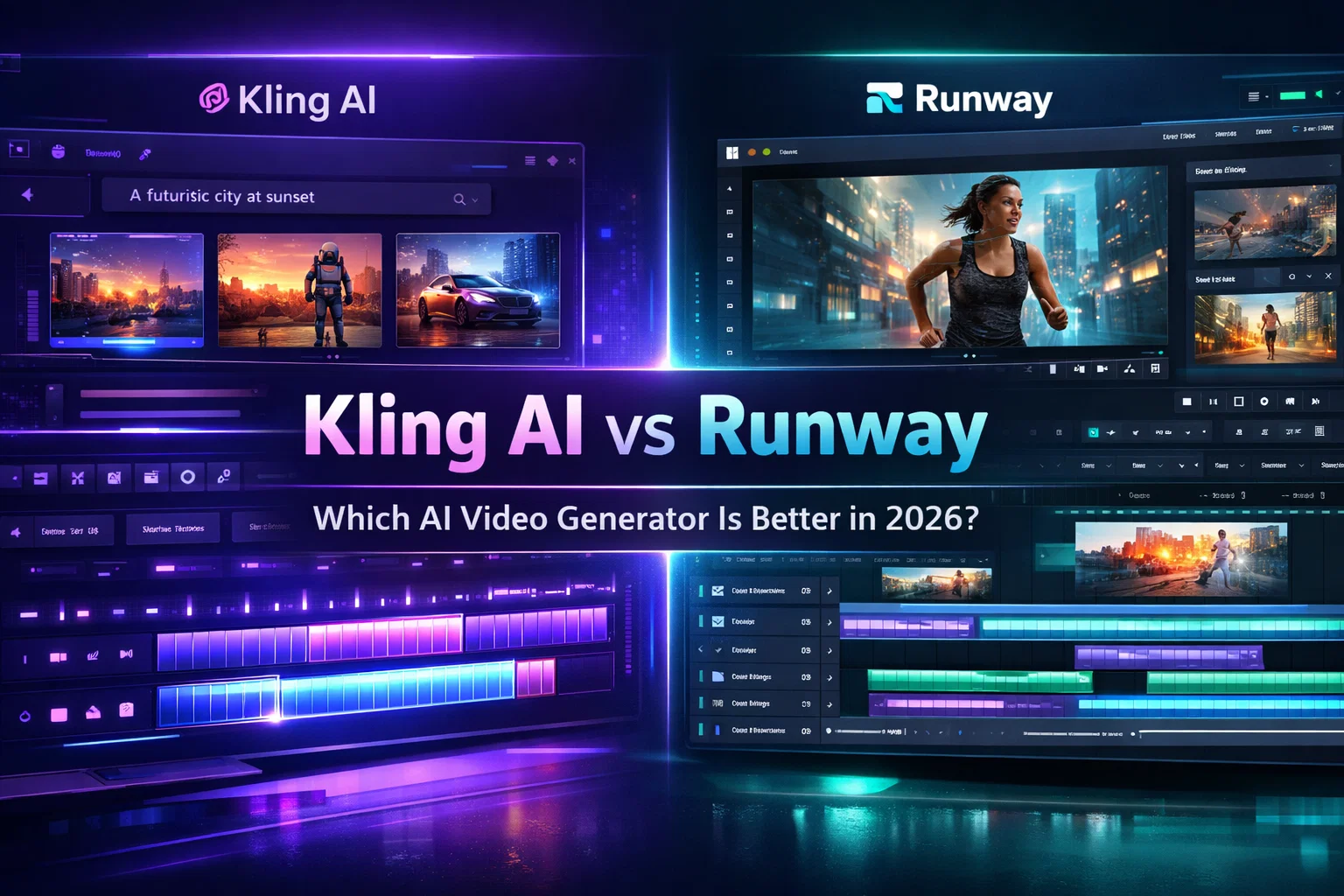
The landscape of AI video generation has shifted dramatically over the last year. What was once a field dominated by short, glitchy clips has matured into a production-ready industry. At the forefront of this evolution are two titans: Kling AI and Runway.
Kling AI has earned a reputation for pushing the boundaries of realism and physics simulation, often producing results that feel startlingly grounded in reality. Runway, particularly with its Gen-3 Alpha and subsequent updates, continues to define the user experience, offering a robust ecosystem that integrates generation with powerful editing controls.
For creators, the choice isn’t just about “which is better.” It is about which tool fits your specific workflow. This analysis compares Kling AI and Runway objectively across key metrics—realism, motion quality, prompt adherence, and commercial viability—to help you decide where to invest your budget in 2026.
Quick Verdict
If you need a quick answer, here is how the two platforms stack up for different use cases:
- Best Overall for Workflow: Runway
- Best for Realism & Physics: Kling AI
- Best for Filmmakers: Kling AI (for raw output quality)
- Best for Beginners: Runway
- Best Value: Kling AI (generally lower cost per second of high-quality video)
Core Differences at a Glance

The fundamental difference lies in their architectural philosophy. Kling AI operates like a research-driven powerhouse focused on raw simulation. Its model excels at understanding how objects move in the physical world—how liquid splashes, how fabric folds, and how light interacts with texture. It prioritizes the “shot” over the toolset.
Runway, conversely, is built as a comprehensive creative suite. While its underlying Gen-3 model is exceptionally powerful, Runway’s true strength is its SaaS packaging. It surrounds the model with granular controls like Motion Brush and camera directors, making it easier to steer the AI toward a specific vision rather than just rolling the dice on a prompt.
Feature-by-Feature Comparison

Video Realism & Physics
Motion Fluidity & Human Movement:
Kling AI currently holds a slight edge in handling complex human motion. When generating characters walking, eating, or interacting with objects, Kling exhibits fewer distinct “AI hallucinations”—limbs remain consistent, and weight transfer feels authentic. Runway Gen-3 is highly capable but occasionally struggles with micro-movements in extremities during longer clips.
Object Consistency & Environmental Dynamics:
Kling’s physics engine is its standout feature. In scenarios involving weather effects, collisions, or food photography, Kling maintains structural integrity better than competitors. Runway creates beautiful, stylized motion but can sometimes prioritize aesthetic smoothness over physical accuracy, leading to “dream-like” physics where objects morph rather than move.
Prompt Adherence
Complex Scene Handling:
Runway Gen-3 demonstrates superior understanding of complex, multi-subject prompts. If you specify lighting conditions, camera angles, and specific color palettes, Runway tends to follow these instructions more rigidly.
Style Accuracy:
Kling is often biased toward photorealism. If your goal is cinematic, documentary-style footage, Kling defaults to this look naturally. However, if you need specific artistic styles—like 2D animation, claymation, or surrealism—Runway’s steering capabilities and style presets offer more predictable control.
Video Length & Resolution
Max Duration:
Kling AI made headlines by allowing generation of up to 10 seconds (and extended modes in pro tiers) with high temporal coherence. Runway allows for extensions, but maintaining consistency over long clips remains a challenge for both models. Kling typically degrades less over a 10-second span than Runway does.
Output Quality:
Both platforms output at 720p and 1080p standards. However, Kling’s raw texture detail often appears sharper before upscaling, particularly in skin textures and natural landscapes.
Editing & Post-Production Tools
This is where the gap widens significantly.
Runway:
Runway is not just a generator; it is an editor. Features like Motion Brush (painting specific areas to move), Camera Control (defining pan, tilt, zoom), and specific timeline editing tools make it a better fit for production environments where specific shots are needed.
Kling AI:
Kling’s feature set is more sparse. While it offers image-to-video and basic camera controls, it lacks the granular “director mode” features found in Runway. You are more reliant on the prompt to get the motion right, rather than post-generation tweaking.
Image-to-Video Capabilities
Both tools excel here, but differently. Kling is exceptional at preserving the identity of the input image. If you upload a character reference, the resulting video looks exactly like that character. Runway is stronger at animating static elements creatively—making water flow or clouds move—but can occasionally alter facial features slightly during the animation process.
Speed & Rendering Time
Runway generally offers faster generation times, especially on paid tiers with “Turbo” modes. Kling’s generation process, due to its heavy calculation of physics and texture, can be slower, often requiring longer wait times during peak usage hours.
Commercial Usage Rights
Both platforms offer commercial rights to paid subscribers. However, the legal landscape is evolving. Runway has established clearer terms of service for enterprise clients, making it a safer bet for large agencies concerned with copyright and compliance. Kling’s terms are standard for the industry but may be less tailored to western enterprise corporate standards depending on your region.
Pricing Comparison
Kling AI

Kling AI typically operates on a credit-based system that is aggressive on pricing.
- Free Tier: Generous daily credits, though often with watermarks and slower queues.
- Subscription: The monthly cost usually yields more seconds of video generation compared to competitors. It positions itself as a high-value option for independent creators who need volume.
Runway

Runway uses a more traditional SaaS tiered model.
- Standard/Pro Plans: These unlock the Gen-3 model, upscale features, and remove watermarks. The cost-per-second is generally higher than Kling.
- Unlimited Plans: Runway offers an “Unlimited” tier which is crucial for power users who iterate hundreds of times to get the perfect shot. This is a major differentiator for professional studios.
Verdict on Value: Kling is cheaper for casual users; Runway’s Unlimited plan is essential for heavy power users.
Strengths & Weaknesses
Kling AI
Strengths:
- Superior physics simulation and object interaction.
- High temporal coherence (less morphing over time).
- Exceptional photorealism for human subjects.
- Generally lower cost per generation.
Limitations:
- Limited editing controls (no Motion Brush equivalent).
- Slower generation times.
- Interface is less polished than Runway’s.
Runway
Strengths:
- Best-in-class user interface and workflow tools.
- Motion Brush and Camera Controls offer high “directability.”
- Faster generation speeds.
- “Unlimited” plan options for heavy users.
Limitations:
- Can struggle with complex physics consistency.
- More expensive for entry-level users.
- Occasional “smoothing” effect that reduces texture detail.
Who Should Choose Kling?
- Filmmakers seeking raw realism: If you need a clip of a person walking down a street that looks indistinguishable from camera footage, Kling is the superior choice.
- Physics-heavy scenes: Content involving fluids, crashes, or complex object interactions.
- Budget-conscious creators: Users who want high-quality output without a high monthly subscription fee.
Who Should Choose Runway?
- Commercial Production Teams: Agencies that need specific shots (e.g., “pan left, zoom in on product”) will find Runway’s controls indispensable.
- Motion Designers: The ability to animate specific parts of an image using Motion Brush makes Runway a powerful design tool.
- High-Volume Iterators: If you need to generate 50 variations to find the perfect one, Runway’s Unlimited plan is the only viable economic option.
FAQs
Is Kling AI better than Runway?
In terms of raw visual fidelity and physics, yes. In terms of control and workflow, no.
Which is more realistic?
Kling AI generally produces more photorealistic results with better texture and lighting consistency.
Which is better for YouTube?
Runway is likely better for YouTube creators due to faster generation speeds and better tools for creating stylized B-roll that fits a specific narrative.
Does Runway use Gen-3 for all plans?
Typically, the most advanced models (Gen-3 Alpha and beyond) are gated behind paid subscriptions, while lower or legacy models may be available on free or lower-tier plans.
Which offers better commercial rights?
Both offer commercial rights on paid plans. Runway is generally viewed as having more robust enterprise support.
Final Recommendation
There is no universal winner in the 2026 AI video market. The “best” tool depends entirely on your role in the production pipeline.
If you are a director or visual artist prioritizing the absolute highest fidelity and physics simulation—and you are willing to re-roll prompts to get the motion right—Kling AI is the current leader in raw output quality.
If you are a professional editor or marketer who needs granular control over camera movement, specific animation zones, and a reliable, fast workflow, Runway remains the industry standard for production-ready work.
For most serious creators, the optimal strategy in 2026 is likely a hybrid workflow: using Kling for complex character shots and Runway for controlled environment and B-roll generation.






[…] Compare Higgsfield Plans →Must Read: Kling AI Vs Runway (2026): Best AI Video Generator Compared […]