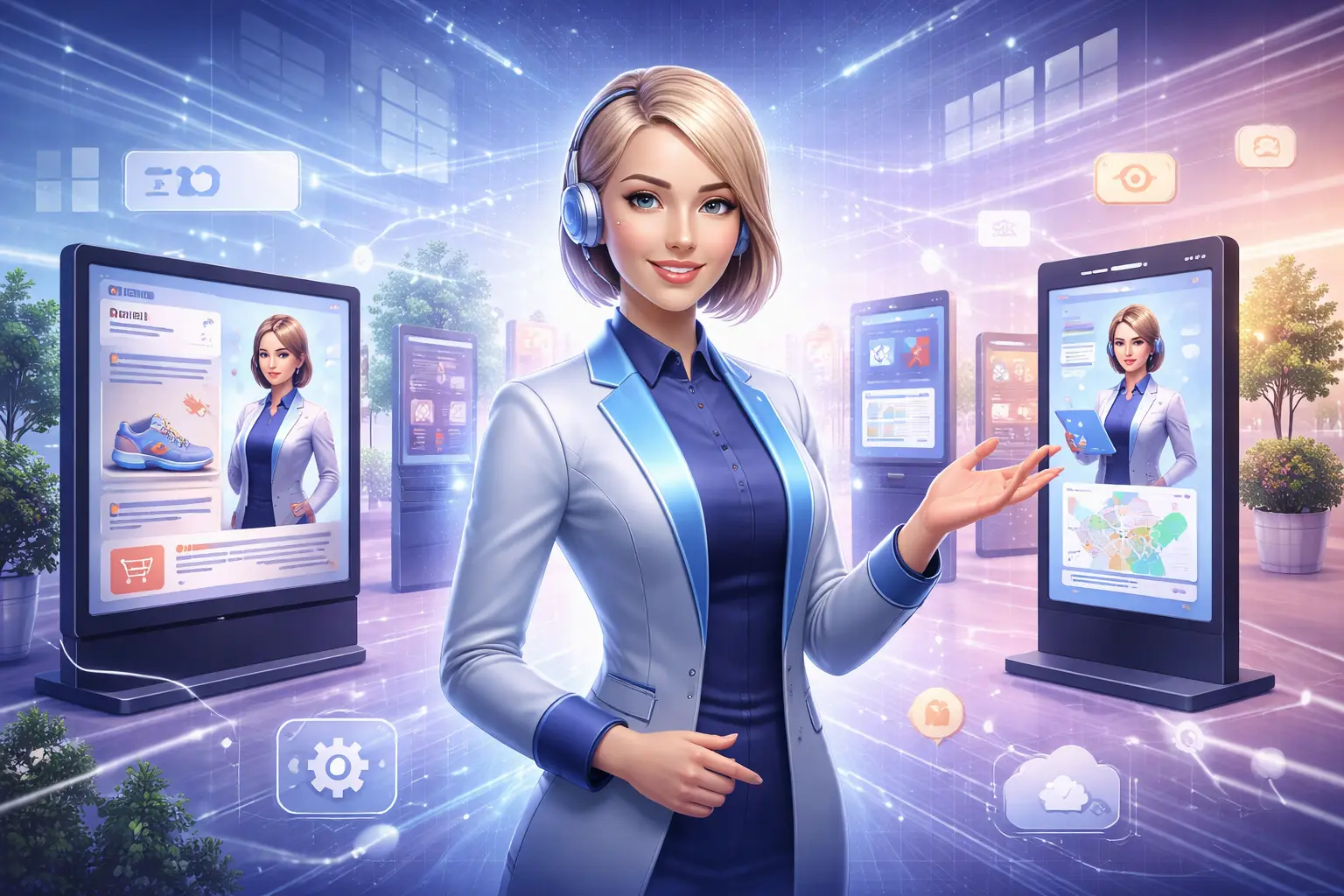
Static screens are failing to capture attention. In busy retail environments, corporate lobbies, and healthcare waiting rooms, audiences have learned to ignore passive digital displays. The average dwell time for a standard digital poster is often less than two seconds.
This engagement gap is driving the adoption of AI avatars—digital hosts that can speak, react, and interact in real-time. These aren’t just looped videos; they are dynamic interfaces that turn standard signage into two-way communication channels.
If you are a CTO, marketing director, or operations manager, you need to know which platform fits your infrastructure. This guide evaluates the market’s leading AI avatar solutions based on deployment capability, interactivity, and enterprise readiness, helping you choose the right tool for your 2026 strategy.
Quick Answer Summary
For decision-makers scanning for immediate recommendations, here is the breakdown of the current landscape:
- Best for Interactive Kiosks: DeepBrain AI. Offers specialized “AI Kiosk” modules with low-latency conversation capabilities.
- Best for Corporate Comms: Synthesia. Ideal for generating daily or weekly internal news updates without cameras or crews.
- Best for High-End Enterprise Customer Service: UneeQ. Focuses on “Digital Humans” with emotional intelligence and complex NLP integration.
- Best for Retail Marketing: HeyGen. Delivers high-fidelity visual avatars perfect for product demonstrations and brand storytelling.
- Best for Developer Customization: D-ID. A robust API-first platform that allows developers to build custom avatar interfaces into existing apps.
What Are AI Avatars for Digital Signage?
AI avatars for digital signage are computer-generated characters driven by artificial intelligence to simulate human-like communication. Unlike 3D video game characters of the past, modern AI avatars use neural networks to generate realistic lip-syncing, facial expressions, and body language.
In the context of digital signage, these manifest in two distinct ways:
- Generative Video: You type text, and the software renders a video of an avatar speaking that script. This is then scheduled on a signage playlist.
- Real-Time Interactive: The avatar “lives” on the screen (usually a kiosk). It listens to voice input via a microphone, processes the query using an LLM (Large Language Model), and responds instantly with synchronized audio and animation.
Common deployments include hotel concierges, wayfinding assistants in airports, and virtual product experts in retail aisles.
How AI Avatars Improve Digital Signage
Moving from static images to AI-driven faces offers measurable operational benefits.
Real-Time Content Delivery
Traditional video production takes weeks. With AI avatars, a communications manager can update a lobby welcome screen or a safety announcement in minutes. You simply edit the text script, and the engine regenerates the media.
Multilingual Communication
Global enterprises face significant language barriers. AI platforms can instantly translate and vocalize messages in over 100 languages. A single kiosk in an international airport can fluently serve travelers from Japan, Germany, and Brazil without needing multilingual staff on standby.
Consistent Brand Messaging
Human staff have bad days; avatars do not. An AI concierge ensures that every customer receives the exact approved brand greeting and information, regardless of the time of day or shift changes.
Interactivity and Dwell Time
Motion attracts the eye, but eye contact holds attention. Avatars mimic human eye contact, which naturally causes passersby to pause. This increased dwell time leads to higher information retention and better engagement rates for advertisements or announcements.
Best AI Avatar Platforms for Digital Signage (Categorized)
We evaluated platforms based on their ability to handle the demands of physical displays, including rendering quality, API latency, and CMS integration.
Best AI Avatar Platform for Interactive Kiosks: DeepBrain AI
DeepBrain AI has carved a specific niche in hardware-integrated solutions. Unlike web-first competitors, they offer an “AI Kiosk” solution designed specifically for physical locations like banks and convenience stores.
What it does: Provides a complete conversational AI solution where a virtual human listens and responds to users in real-time on vertical displays.
Best use case: Banking halls or hotel reception desks where customers have specific, repetitive queries.
Key strengths:
- Low Latency: Optimized for real-time conversation, minimizing the awkward pause between a user asking a question and the avatar answering.
- Hardware Integration: They offer turnkey kiosk hardware options, reducing the headache of sourcing compatible screens and microphones.
- 24/7 Availability: Designed to run continuously without overheating or crashing.
Clear limitations: The conversational flow is only as good as the LLM backend you connect it to. It requires robust internet connectivity; offline capabilities are limited.
Deployment considerations: Requires a dedicated kiosk setup with specific processing power (GPU) to handle real-time rendering smoothly.
Best AI Avatar Platform for Corporate Offices: Synthesia
Synthesia is the market leader for generated video. While less focused on real-time conversation, it is the standard for asynchronous corporate messaging displayed on office screens.
What it does: Converts text into professional video presentations using photorealistic avatars.
Best use case: HR announcements, CEO updates, and cafeteria menu walkthroughs playing on loop in corporate common areas.
Key strengths:
- Ease of Use: If you can make a slide deck, you can make a Synthesia video. No technical skills required.
- Studio Quality: The avatars look indistinguishable from real video on standard signage screens.
- Template Library: Massive library of corporate backgrounds and layouts speeds up content creation.
Clear limitations: Not interactive. This is for “broadcast” style signage only. You cannot walk up to a Synthesia video on a wall and ask it a question.
Deployment considerations: Works with any standard Digital Signage CMS (like Scala, BrightSign, or ScreenCloud). You simply export the MP4 and upload it.
Best AI Avatar Platform for Enterprise Deployment: UneeQ

UneeQ focuses on “Digital Humans”—highly expressive, emotionally intelligent avatars designed for high-stakes enterprise interactions.
What it does: Creates sophisticated 3D animated characters that can express empathy and handle complex customer service scenarios.
Best use case: Healthcare patient intake or high-end retail concierge where empathy and nuance matter.
Key strengths:
- Emotional Range: Avatars can smile, look concerned, or show empathy based on the context of the conversation.
- SDK Flexibility: extensive SDKs for mobile and web allow for deep integration into enterprise ecosystems.
- Brand Customization: Highly customizable characters that can be designed to match specific brand demographics.
Clear limitations: Higher cost barrier. This is an enterprise-grade solution, not a plug-and-play tool for small businesses.
Deployment considerations: Requires significant development time to integrate with internal databases and logic flows.
Best AI Avatar Platform for Retail Stores: HeyGen
HeyGen has gained massive popularity for its visual fidelity and translation capabilities. In retail, where aesthetics are paramount, HeyGen shines.
What it does: Generates high-resolution video avatars with exceptional lip-syncing and natural movement.
Best use case: In-store product displays (end-caps) explaining features of complex electronics or beauty products.
Key strengths:
- Visual Fidelity: The video quality is crisp enough for 4K retail displays.
- Product Twin: You can create avatars that wear specific uniforms or merchandise.
- Video Translation: Excellent for creating one ad spot and instantly localizing it for stores in different regions.
Clear limitations: primarily a video generation tool. While they are expanding into interactive APIs, their core strength currently remains in pre-rendered content for marketing.
Deployment considerations: Similar to Synthesia, this integrates via video files into your existing signage player.
Best AI Avatar Platform for Multilingual Signage: D-ID
D-ID specializes in the animation of faces from static images or video, offering a flexible API that developers love for multilingual applications.
What it does: Animates faces in real-time to speak audio tracks provided by text-to-speech engines.
Best use case: Transportation hubs (airports/train stations) where announcements change rapidly and need to be spoken in 5+ languages instantly.
Key strengths:
- Lightweight API: The streaming API is efficient, making it easier to deploy on various hardware specs.
- Photo-to-Video: Can animate historical figures or mascots effectively.
- Language Agnostic: Works seamlessly with top-tier translation services to provide instant multilingual support.
Clear limitations: The “floating head” look is common; full-body gestures are less advanced than DeepBrain or UneeQ.
Deployment considerations: This is a developer tool. You will need an engineering team to build the interface that calls the D-ID API.
AI Avatar Software vs. Pre-Recorded Video Avatars
It is vital to distinguish between true AI generation and standard video production.
| Feature | AI Avatar Software | Pre-Recorded Video |
|---|---|---|
| Content Updates | Instant (Type and render) | Slow (Re-shoot required) |
| Cost Per Asset | Low (Subscription based) | High (Studio, crew, actors) |
| Scalability | Infinite (generate 100 variations) | Limited by production budget |
| Interactivity | High (Can answer questions) | None (Linear playback) |
| Human nuance | Good (80-90% realistic) | Perfect (100% realistic) |
When to use AI: When content changes frequently (news, menus), requires personalization, or needs interactivity.
When to use Video: For high-stakes “Super Bowl” style brand ads where emotional connection must be flawless.
Pros and Cons of Using AI Avatars in Digital Signage
Pros:
- Operational Efficiency: Eliminates the scheduling nightmare of video shoots.
- 24/7 Service: Kiosks don’t take breaks or sleep.
- Data Collection: Interactive avatars can log user questions, providing analytics on what customers actually care about.
Cons:
- Uncanny Valley: Lower-quality avatars can look “creepy” and alienate users.
- Hardware Costs: Real-time rendering requires powerful local PCs or expensive cloud streaming bandwidth.
- Trust Issues: Some demographics (particularly older populations) may hesitate to interact with a digital face.
FAQs
What are AI avatars used for in digital signage?
They act as virtual concierges, wayfinders, news anchors, and sales assistants. They bridge the gap between a static poster and a human employee.
Are AI avatars better than video signage?
They are better for dynamic information. If your message stays the same for a year, video is better. If it changes weekly or needs to respond to users, AI is superior.
Can AI avatars work offline?
Most high-end conversational avatars require an internet connection to access Large Language Models (LLMs) and cloud rendering. However, pre-rendered video avatars (like MP4s from Synthesia) work perfectly offline.
Are AI avatar platforms expensive?
Pricing varies. Video generation tools (Synthesia/HeyGen) function on monthly subscriptions (approx. $30-$100/month). Real-time interactive solutions (DeepBrain/UneeQ) often require enterprise licensing which can cost thousands annually per deployment.
Which industries benefit most?
Retail, Healthcare, Hospitality, and Transportation see the highest ROI due to their high volume of repetitive customer inquiries.
Do AI avatars support multiple languages?
Yes, this is a standard feature. Most platforms support 60+ languages and accents immediately.
Expert Tips for Choosing the Right Platform
In real-world deployments, software capability is only half the battle. Keep these tips in mind:
- Check the CMS Integration: Does the platform export to a format your current Digital Signage CMS (e.g., BrightSign, Appspace) accepts? If you need a custom app, do you have the dev resources?
- Audit the Hardware: Real-time interactive avatars usually cannot run on the cheap media stick plugged into your TV. You likely need an industrial PC with a dedicated GPU.
- Prioritize Audio Quality: An avatar is useless if the user can’t hear it. Invest in directional speakers and noise-canceling microphones for kiosk deployments.
- Privacy & Compliance: If your avatar collects user data (voice inputs), ensure the platform is GDPR and HIPAA compliant, especially in healthcare settings.
Final Verdict
There is no single “best” platform—only the best platform for your specific objective.
- If you need interactive customer service kiosks, investigate DeepBrain AI or UneeQ.
- If you need efficient internal video updates, choose Synthesia.
- If you need high-fidelity retail marketing, look at HeyGen.
The technology has matured beyond novelty. In 2026, AI avatars are a viable infrastructure investment that solves the twin problems of labor shortages and content fatigue. Start with a pilot program in a single location to test user acceptance before rolling out fleet-wide.